Achieve more without hiring more
Sales Automation eliminates the need for manual, repetitive tasks such as data entry, lead tracking, and follow-up emails.
This frees up your salespeople to spend more time engaging directly with prospects, building relationships and closing deals, and less time on things like emails and texts.
The improved efficiency means your business can close more deals without hiring more salespeople.
Faster and more accurate data entry
Having automation that generates a new contact record whenever a form is populated by a lead or when a business card is scanned into the system saves sales representatives a ton of time and reduces data entry errors.
Once those records are created, they can be tagged and segmented for easier contact management and reporting.
With Sales Automation, you can ensure that a prospect gets an email or text message immediately after they fill out a form, rather than waiting until a sales rep has time to reach out manually.
Automation also allows you to follow up with each prospect 6 to 10 times or more before abandoning the lead — an impossible feat for most sales reps to do manually.
Immediate, consistent, repeated follow-up ensures that no lead falls through the cracks.
Sales Automation helps track where each lead is in the buying process, providing sales reps with insights into when and how to follow up effectively.
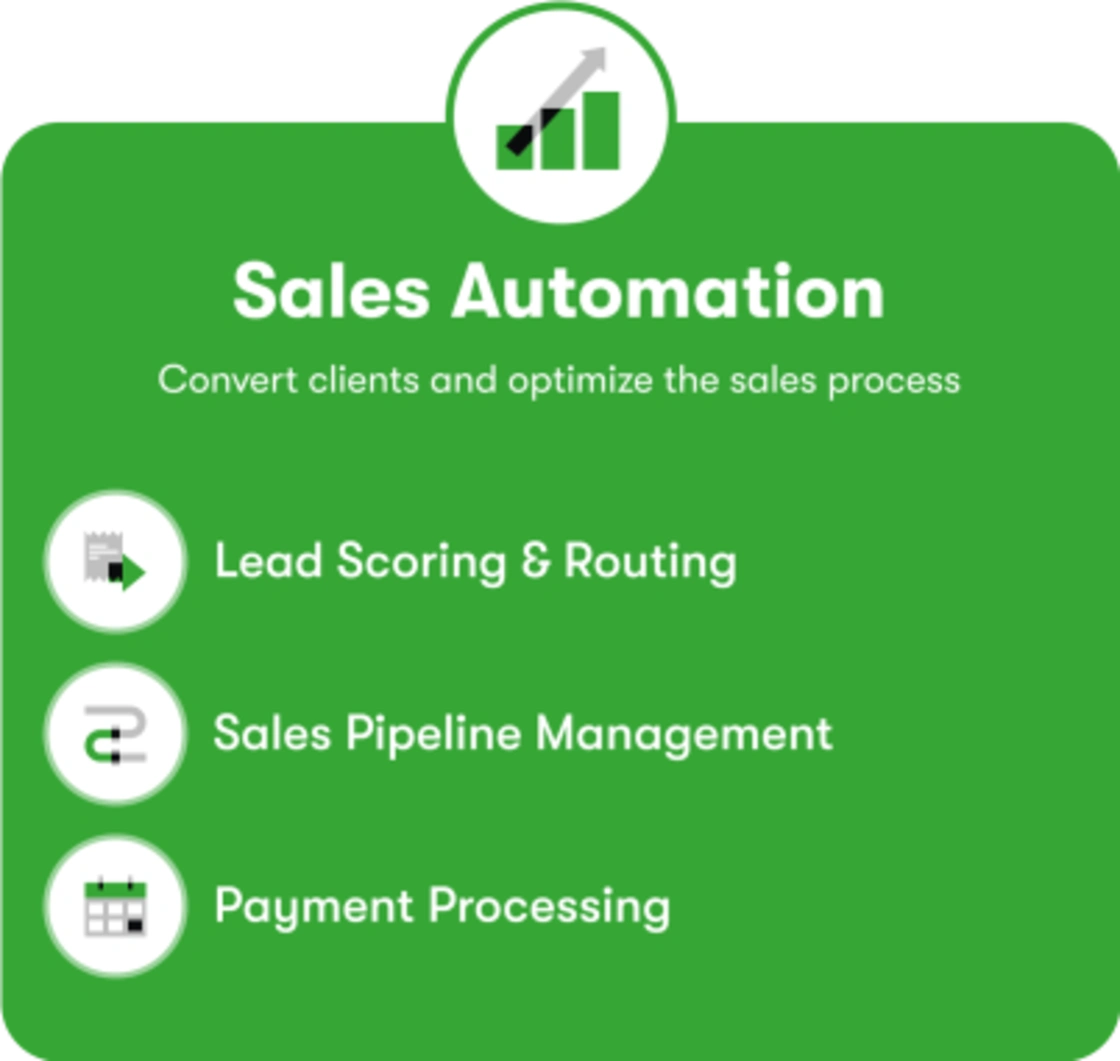
With lead scoring and routing, leads are automatically captured, sorted, and prioritized based on their level of engagement or potential value. This means that your sales team can focus on high-priority leads first.
Sales pipeline management
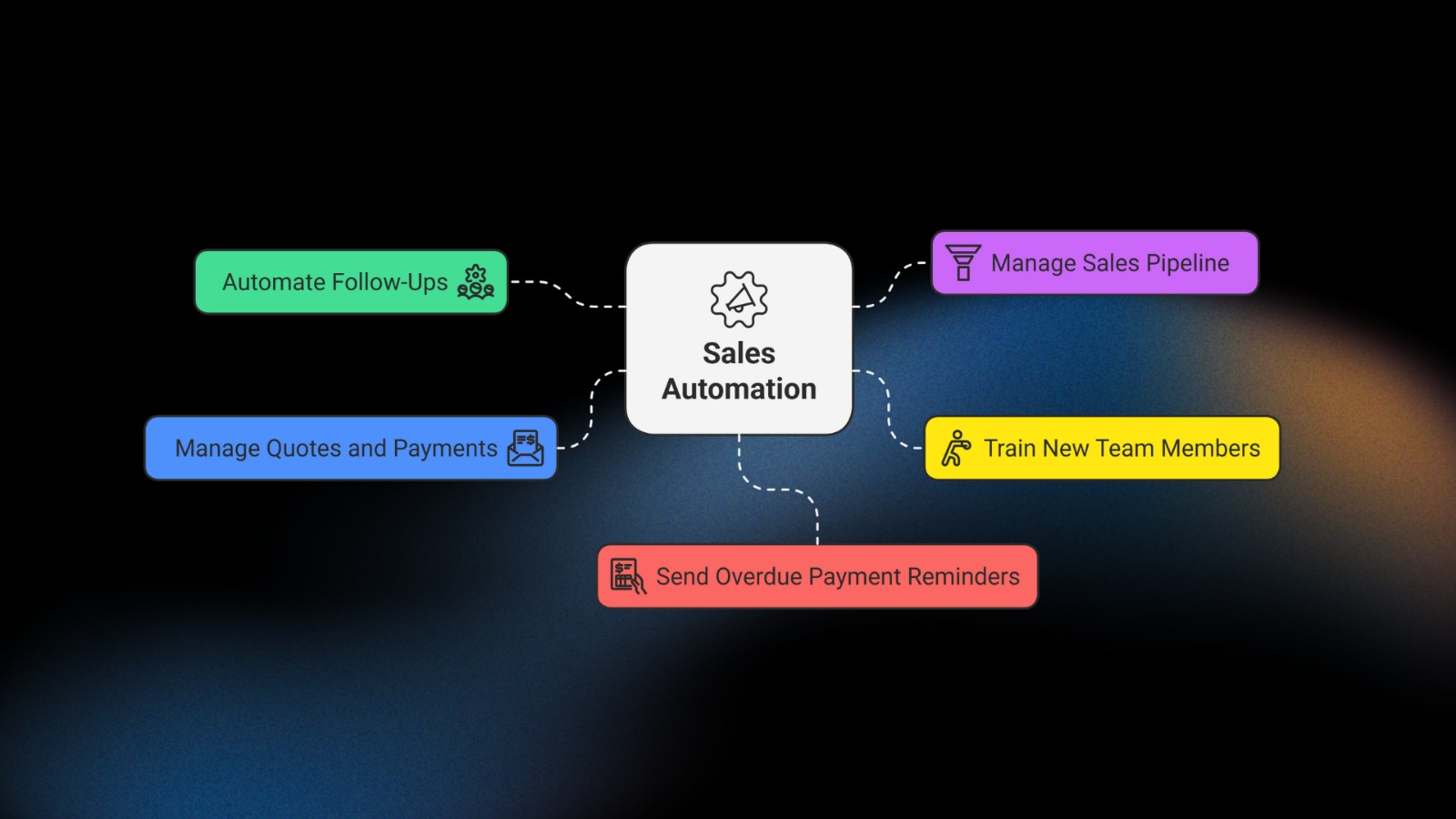
Sales Automation software usually comes with a sales pipeline feature that allows you to easily see at a glance what sales stage every prospect is in. This provides insight into which leads to work next and ensures no opportunities slip through the cracks.
Gone are the days where messages need to be exchanged back and forth to land on a meeting time. Each sales rep can have their own booking link that shows their availability, and you can also set up a team booking link for specific campaigns.
Quotes, invoices and payment processing
Create, manage, and share custom quotes directly from your Sales Automation platform. Send email notifications to sales reps when quotes are accepted or declined, allow customers to accept a quote with one click and pay online, and automatically convert quotes into orders and create a balance.
Use built-in reporting to get a bird’s eye view of sales conversions, form completions, email click-through rates, campaign performance and more. Monitor lead and product revenue, activity history, orders and billing, and track the performance of individual sales reps.
As your business grows, managing increasing sales volumes manually becomes challenging. Sales Automation software is scalable, allowing you to handle more leads, opportunities, and customers — and manage a growing sales team — ensuring that your sales process remains smooth and efficient as your business grows.
After your marketing efforts lead to a new lead and they enter your sales funnel, your Sales Automation software goes to work helping you turn them into a customer. Here are some examples:
After you collect the lead’s info, you want to develop the relationship by providing value and showing that you’re an expert in what you do.
Set up an automated email nurture series that keeps you top of mind and continues to educate leads on your offering. Don’t be too pushy or overly sales-y at this point — build trust before you go in for the close.
For example, if they engaged with you initially over an ebook on your area of expertise, your first one or two emails could point them to blog posts on a similar topic. Then, the third and fourth emails could start to introduce them to your product, sharing a high-level overview of the benefits of hiring you. Your final email in the series should include something to close the deal, like a product demo, free consultation or special discount.
At some point during this sequence, the software can assign a task to a sales rep to reach out personally.
For leads that don’t convert right away, you can create a second, long-term nurture sequence to keep their interest warm and task a sales rep to check back in six months with another offer.
As you plan your Sales Automation strategy, get clear on when, where and how to best present your offer. Use persuasive tactics like scarcity, urgency, commitment, authority and social proof at the right moments in the sales journey to make it easier for them to say “yes” to getting the help they need from you.
When you finally get a “yes” from a prospect, whether on a sales call or online, make it easy for them to give you their money!
Look for ways to eliminate friction in your checkout process. For example, does manual invoicing slow things down? Automate it!
Do you accept different types of payment?
Are checkout forms easy to navigate and visually clear?
Make it as easy as possible to move through the necessary steps to do business with you.
You’re so close to your offer and area of expertise that you may not understand what it’s like for someone who’s completely new to it.
How can you make your sales process feel more like helping them than selling to them?
Freeing your team members — especially salespeople — from repetitive tasks means they can spend more time doing what they do best, and the repetitive messages and tasks get done consistently every time.
To explore how this could work for your business, sign up for a free business mapping session with one of our Sales Automation experts. They’ll help you identify the three biggest automation opportunities in your business so you can start bringing in more revenue with less effort.