Operations Automation
SHARE POST
Table of Contents
1
The definition of operations automation
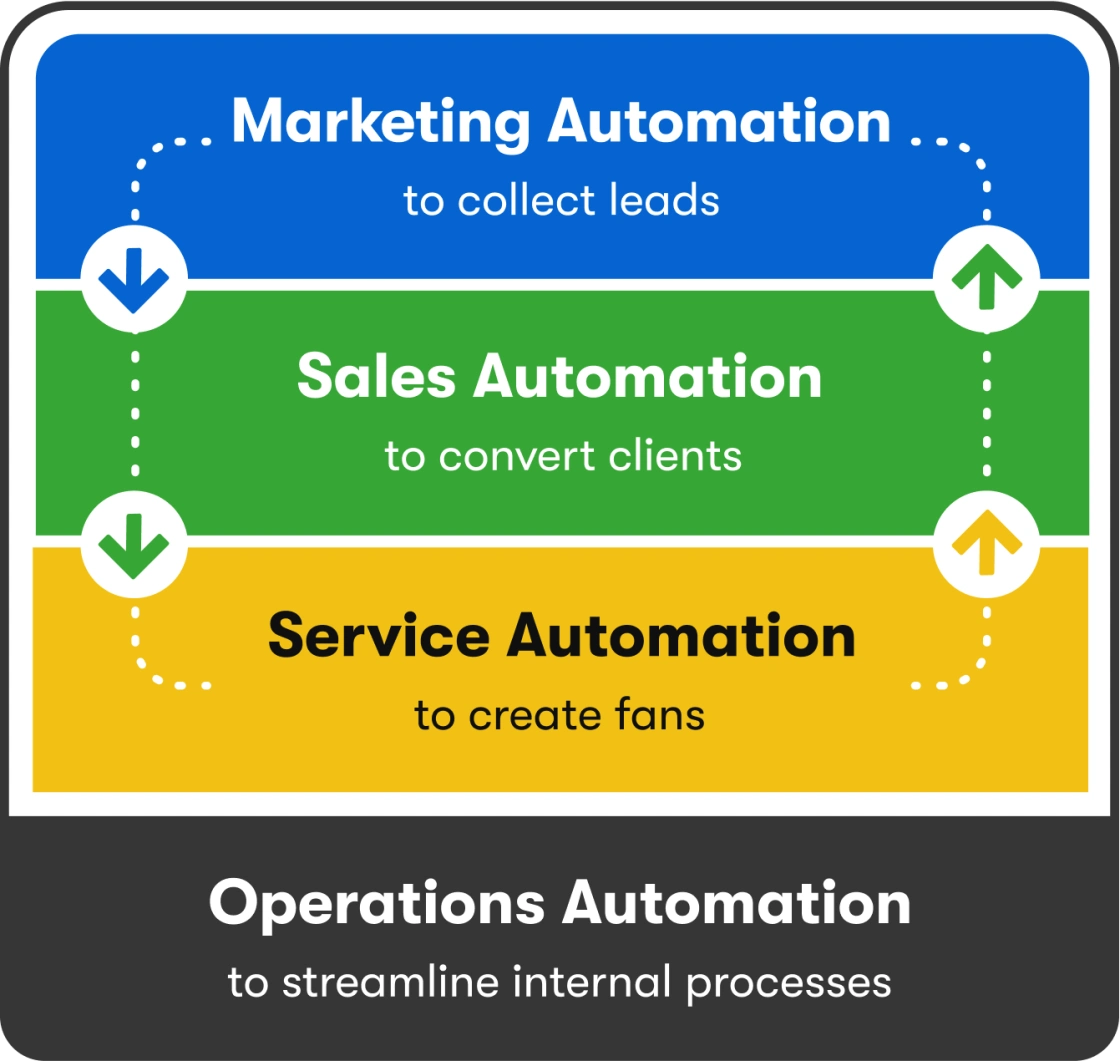
Operations automation involves using business automation software to automate routine internal processes that help your business run more smoothly and efficiently. It’s the fourth type of business automation, which involves automating all your business processes so you can accomplish more with a small business team. The four types of business automation are:
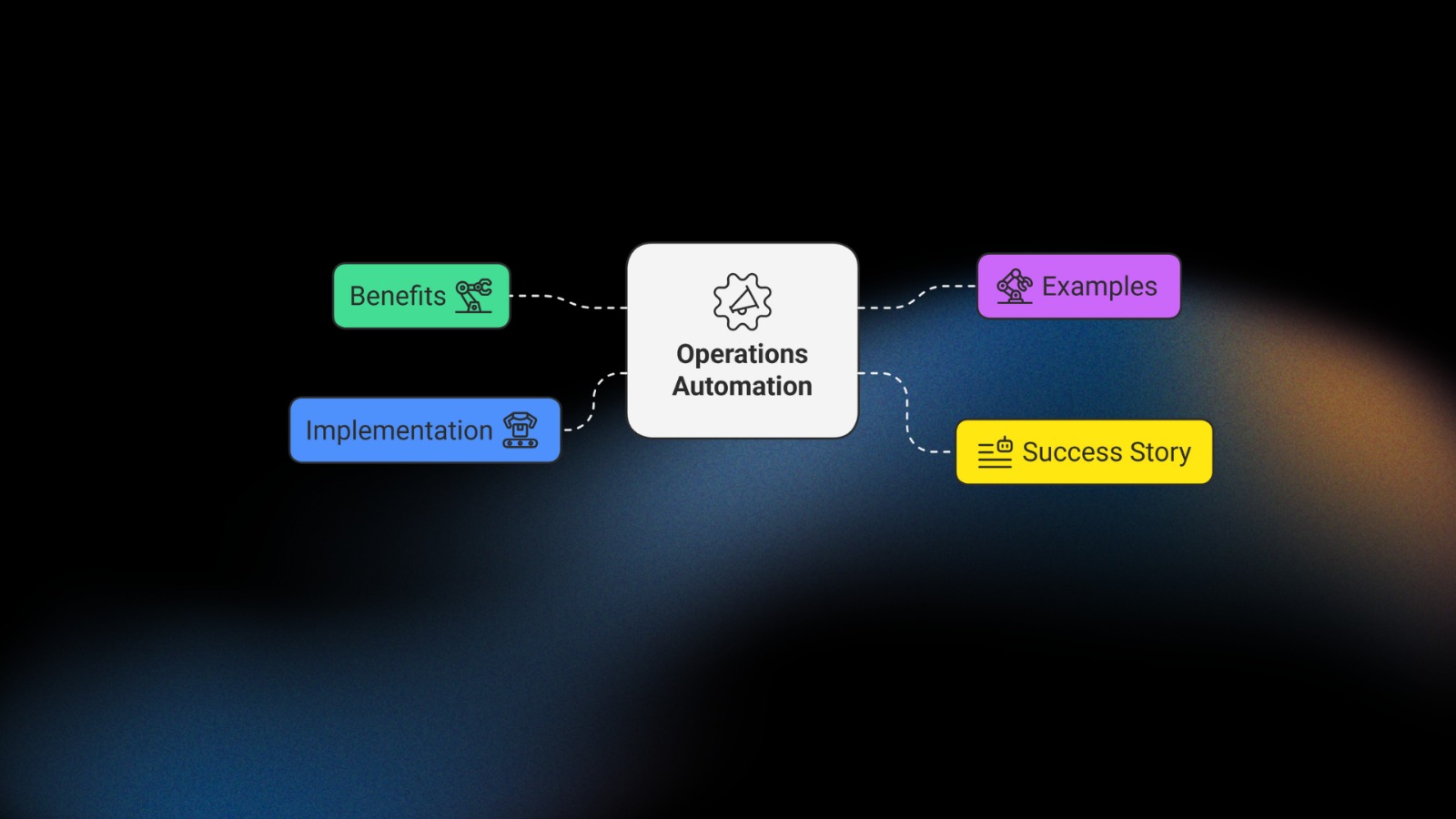
Let’s explore the benefits of operations automation and some examples of how to apply it to your business.
2
The benefits of operations automation
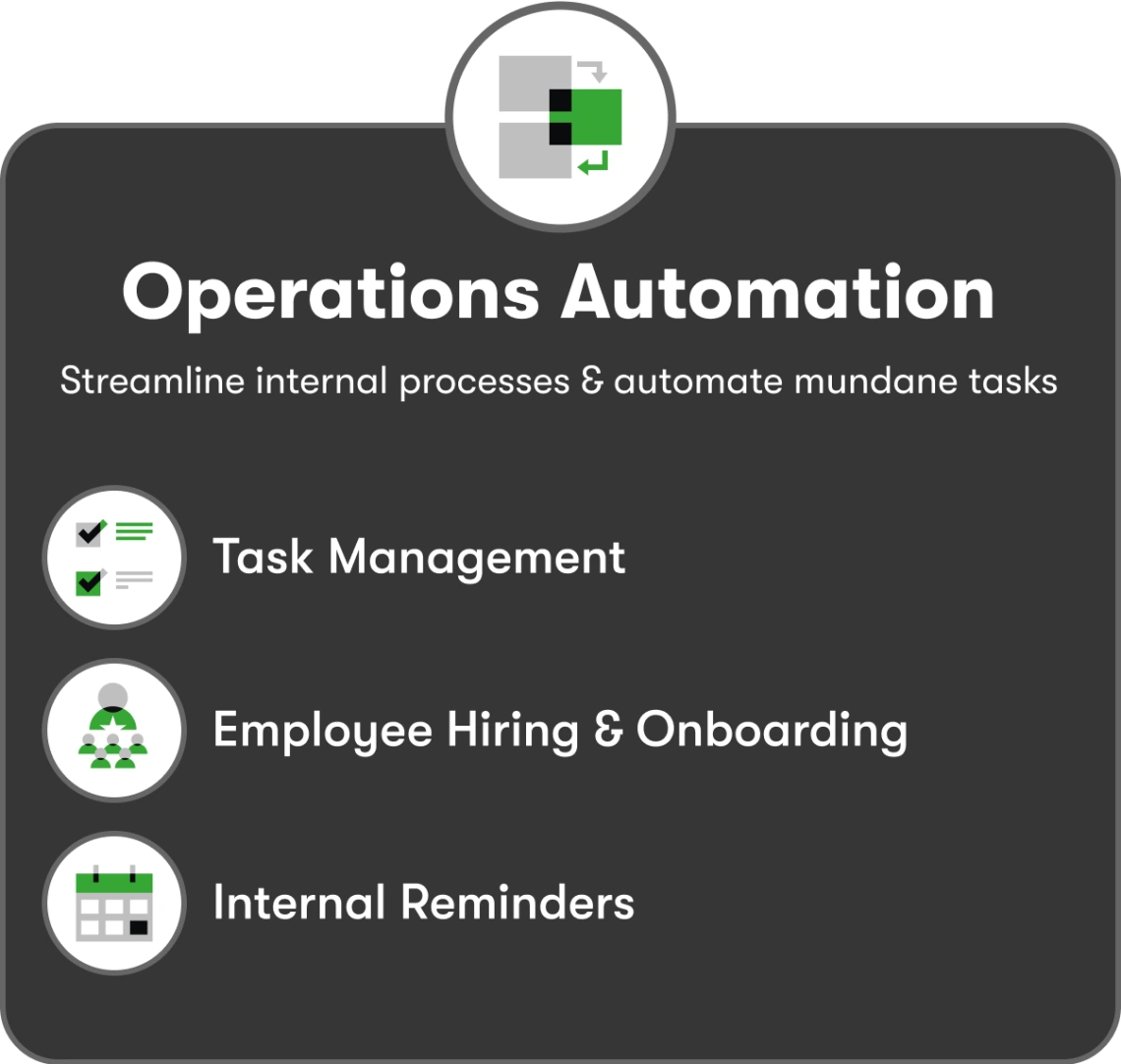
By streamlining internal processes and automating mundane tasks, your team can get more done without working longer hours or hiring more staff.
3
Examples of operations automation
- Phone inquiries: When someone calls your business asking for information on your services, the answering team member can pull up an internal form in a small business CRM like Flow Connect Crm to enter the prospect’s information, which can then automatically create a record in the CRM and assign it to a sales representative.
- Trade shows: Sales reps at your trade show booth can enter prospects’ information on an iPad or smartphone, take notes about the person and what type of follow-up is needed, and trigger automation like a nurture sequence or appointment booking email.
- Customer intakes: If you have a new customer intake process where you need to gather data about your customer in order to provide your services, an internal form is an ideal way to save that info in your CRM.
Integrations
- Surveys and forms: If you collect data using tools like Typeform or Google Forms, an integration can funnel that data into your CRM.
- Webinar registrations: If you have an event platform where registrations are entered, the integration passes it into your CRM for activities like email nurture, sales follow-up and reporting.
- Ecommerce & payments: Order and payment information can be shared between your ecommerce platform, your CRM, and your bookkeeping software.
Some software has certain commonly used integrations built in. For example, Flow Connect CRM and business automation software has native integrations with Gmail, Outlook, Quickbooks, Zoom and BigCommerce. Other integrations, like Typeform, Calendly and Shopify are available through Zapier, which is a software tool for integrating nearly any kind of software.
Internal reminders
For example, automation software can create a task for a team member when it’s time for a:
- Sales call: A salesperson to follow up with a lead, such as after an email sequence has been delivered and/or a certain amount of time has gone by
- Service check-in: A customer service or QA rep to reach out to the customer to check in on their experience.
- Hand-written note: A leader, team member or contractor to write a thank you note
Then, when it’s time to pass the baton from a person back to an automated process, that can be automated as well using a sales pipeline integrated with automation.
Task management
Some tasks need to be done on a regular basis (daily, weekly, monthly, etc.), rather than being tied to the customer journey. You can set up standalone automations to create a new task for you every time. Here are some examples:
- Pipeline management: Review the status of new and existing leads, identify the hottest leads, and move along stalled opportunities
- Expired credit card follow-up: If you have a recurring service, check to see if any customers’ credit cards are expired or about to expire and reach out to get updated payment information
- Reporting: Review reports on key metrics to ensure that your business is on track to meet your goals, and look for opportunities to improve
Employee management
- Hiring: Create a form that enters applicants into your CRM, a hiring pipeline for managing each candidate’s stage, an interview booking link and automated emails that go out at each point in the process.
- Onboarding: Send a welcome-aboard email, request document signatures, assign tasks and deliver new-hire information.
- Nurturing: Send out employee emails, collect employee survey results, assign tasks and track productivity.
- Offboarding: When an employee leaves the company, send final paperwork, schedule exit interviews and assign tasks to other team members to remove their access to business systems.
These are just a few examples of what’s possible with operations automation. Hopefully you’re getting ideas of your own by now of what you can automate in your business.
4
Real-world operations automation success story
Shanterria Earley, founder of Travel Divas, took the concept of operations automation to heart and operationalized and automated every aspect of her business so that it can run without her.
The result: She can sell the business or take an extended leave of absence if she chooses. She can go on the trips she creates for her customers. She chooses to work actively in the business creating exciting trips and overseeing the marketing, because that’s the part of the business she loves. Because she’s automated all her operations, she has the freedom to focus on whatever she wants.
Shanterria now teaches her systems to other travel agents, which provides an additional income stream for her, and an additional sense of fulfillment and purpose.
That’s the power of operations automation for small businesses.
5
How to start applying operations automation in your business
Your business has a lot of processes. Where should you start automating?
The answer is different for every business, but after over 20 years of helping small business teams enjoy greater growth, profit and freedom through automation, we can tell you that the secret lies in starting with the best three opportunities and then going from there.
This is why Flow Connect Crm offers a free business mapping session with one of our small business growth experts. They’ll help you identify the top three opportunities for automation in your business, and deliver the results to you in a customized Growth and Freedom Playbook. Get yours now.