Marketing Automation
SHARE POST
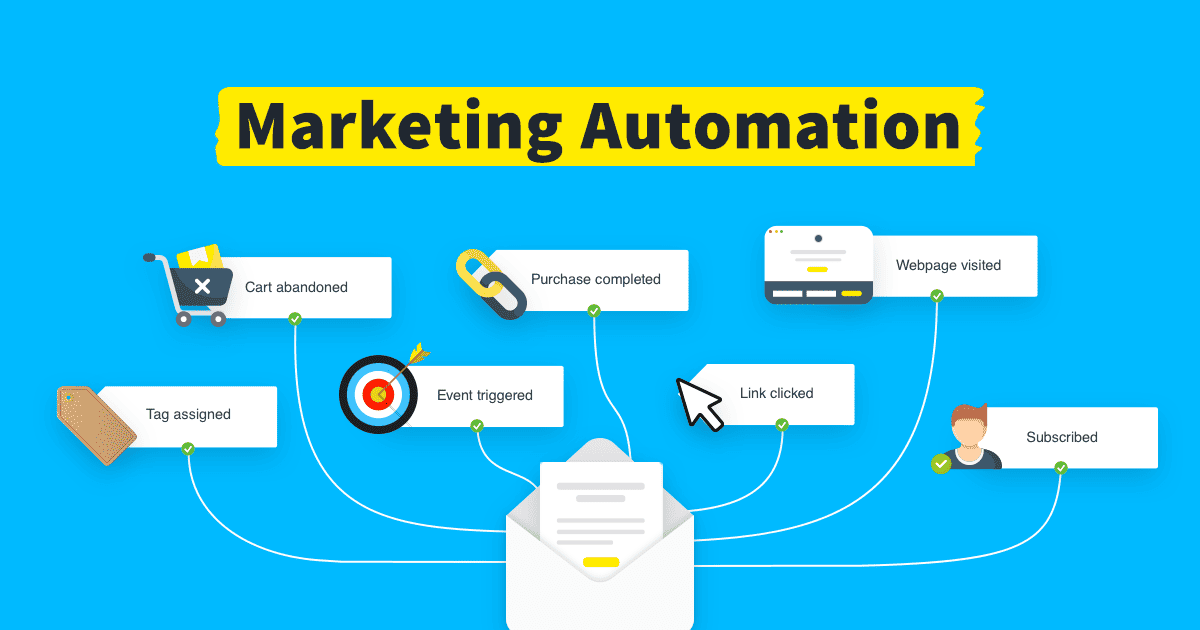
Table of Contents
1
The definition of Marketing Automation Play: Youtube player
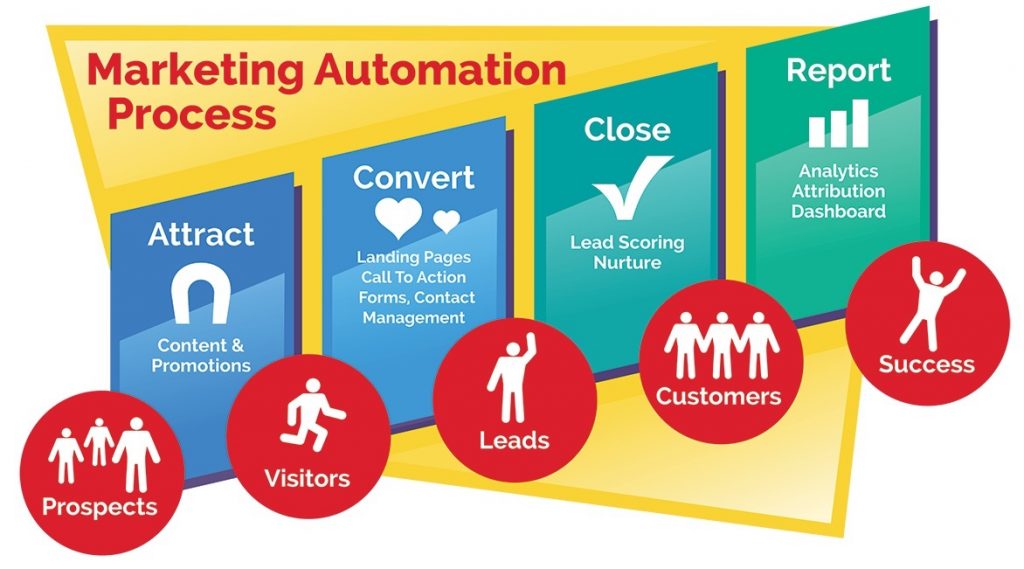
Marketing Automation is the automation of repetitive tasks involved in targeting and attracting new leads, capturing their information in your small business CRM, and automatically following up so they move forward in your sales process.
Marketing Automation falls under the umbrella of Small Business Automation, which is using automation software to eliminate manual, repetitive tasks across your entire business by setting up automated processes that run in the background so you and your team can focus on more important things.
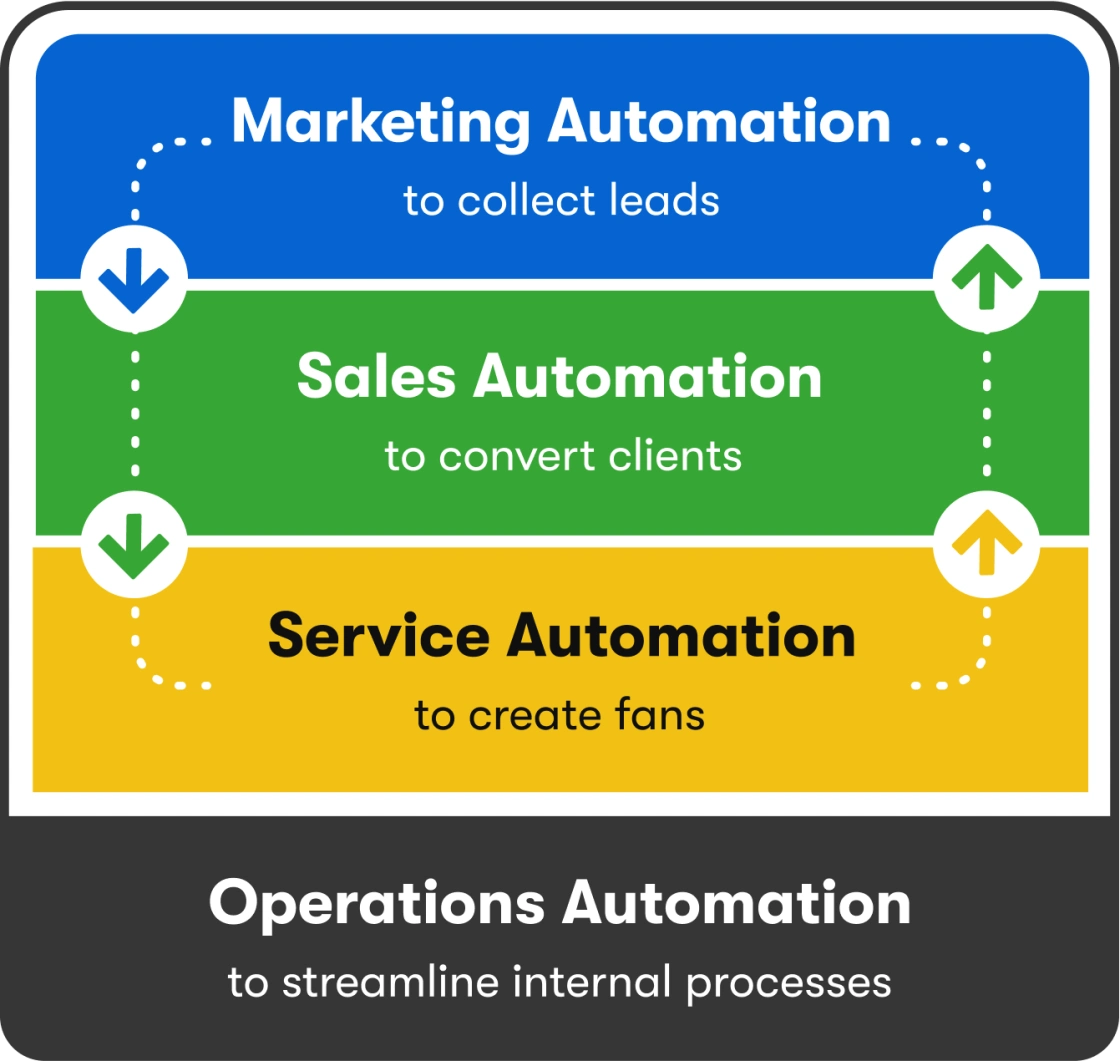
Small Business Automation includes:
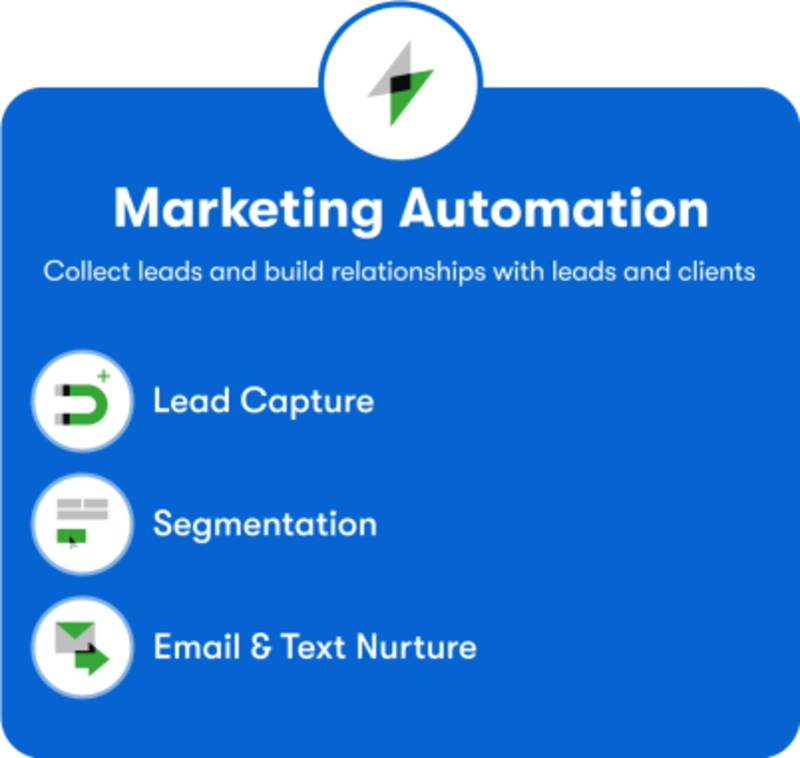
- Marketing Automation (you are here!) — Collect leads, follow up automatically, and nurture them until they’re converted to prospects
- Sales Automation — Convert leads by following up regularly, setting up appointments, and making offers and upsells
- Service Automation – Create fans by delivering all you promised and more, asking for reviews and referrals, and following up for repeat sales
- Operations Automation — Streamline internal processes so your team operates more efficiently and your prospects and customers have a better experience
2
The benefits of Marketing Automation
The biggest benefit of Marketing Automation software is that it can help small businesses increase conversions without increasing ad spend. By plugging gaps in the customer lifecycle where leads are not converting to the next stage, more leads convert into prospects, which ultimately leads to more sales with the same size marketing budget and same size team.
- Follow-up isn’t fast enough (they went with a competitor or got distracted)
- Follow-up isn’t frequent enough (only 1-3 times instead of the 6+ times many leads require)
- They didn’t get the information they needed to feel comfortable taking the next step
- They don’t trust your company yet
- Sending an immediate follow-up email and/or text message as soon as a lead fills out a form, without having to wait for a person on your team to reach out
- Following up frequently and repeatedly, even if your sales team is swamped
- Providing valuable information that answers common questions and concerns, shows your authority in your subject matter, and builds trust over time
- Alerting your sales staff when it’s time for personal outreach
The result is an increase in conversions from leads to prospects, which leads downstream to more conversions from prospects to customers and customers to repeat customers and fans.
3
Examples of Marketing Automation
From drip campaigns to welcome campaigns to long-term nurture campaigns and more, email marketing automation utilizes innovation to help target specific customers with behavior-based triggers and smartly scheduled sends.
- Broadcast email. You send an email inviting new leads to attend a webinar about your area of expertise.
- Landing page with form. A link in the email sends them to an online form they fill out to register for the webinar.
- Segmentation and reminders. Everyone who signs up for the webinar is automatically segmented into a unique email list and sent reminder emails leading up to the webinar.
- Post-webinar nurture. After the webinar, everyone on that list automatically receives an email nurture campaign. It starts off by sending a thank you email to everyone who attended the webinar and summarizing the key points from the webinar. Then, a few days later, they receive a link to download a case study on a similar topic.
- Targeted outreach. When leads download that case study, they are automatically routed to your sales team for individual outreach, since these leads have taken enough action to make them a more qualified prospect.
- Downsell offer. If the lead doesn’t respond to the sales person, they can be presented with an offer for a smaller product or service via email. This lets them try out your business with a smaller up-front investment.
- Long-term nurture. If they still don’t make a purchase, they are automatically put into a long-term nurture campaign that continues to send valuable information over time until the prospect is ready to buy.
Let’s break down some of those components in more detail:
Broadcast campaigns
Lead capture landing pages Play: Youtube player
When the form is submitted, a new record is automatically created in your CRM. This can trigger automation to start the relationship off right and move them forward in the sales process.
Segmentation and personalization Play: Youtube player
How do you make automation feel personal and relevant? Segmentation and custom fields.
Segmentation is when you split up your email list into smaller lists so you can send more targeted messages to each group. In Flow Connect CRM, this is accomplished using tags.
Welcome campaign Play: Youtube player
- Ask for some differentiating info when they first sign up (ex: Are they a cat or dog owner?)
- Offer a choice of lead magnets on your landing page (ex: Dog Grooming Tips vs. Cat Grooming Tips) with each lead magnet having its own unique welcome message for that audience
Value bank Play: Youtube player
- Delivering what you promised when they signed up… and maybe a surprise bonus as well
- Demonstrating your expertise by answering a common question that new customers have
- Showing real-life examples of how to overcome their most pressing challenges
Trigger-based automated campaigns
- If a customer adds something to their shopping cart but doesn’t check out, this can trigger an email reminding them they still have items in their cart.
- A text message might go out automatically after a product has shipped to let them know their package is en route.
- An email can be triggered a certain number of days/weeks/months after service completion to offer another product or service
4
How to apply Marketing Automation in your business
Once you know what you want to automate, you need automation software that meets your business’s needs. For example, Flow Connect Crm includes the most powerful business automation software for small and mid-sized businesses, along with a CRM, email and text marketing, sales pipeline, payment solution, and more.